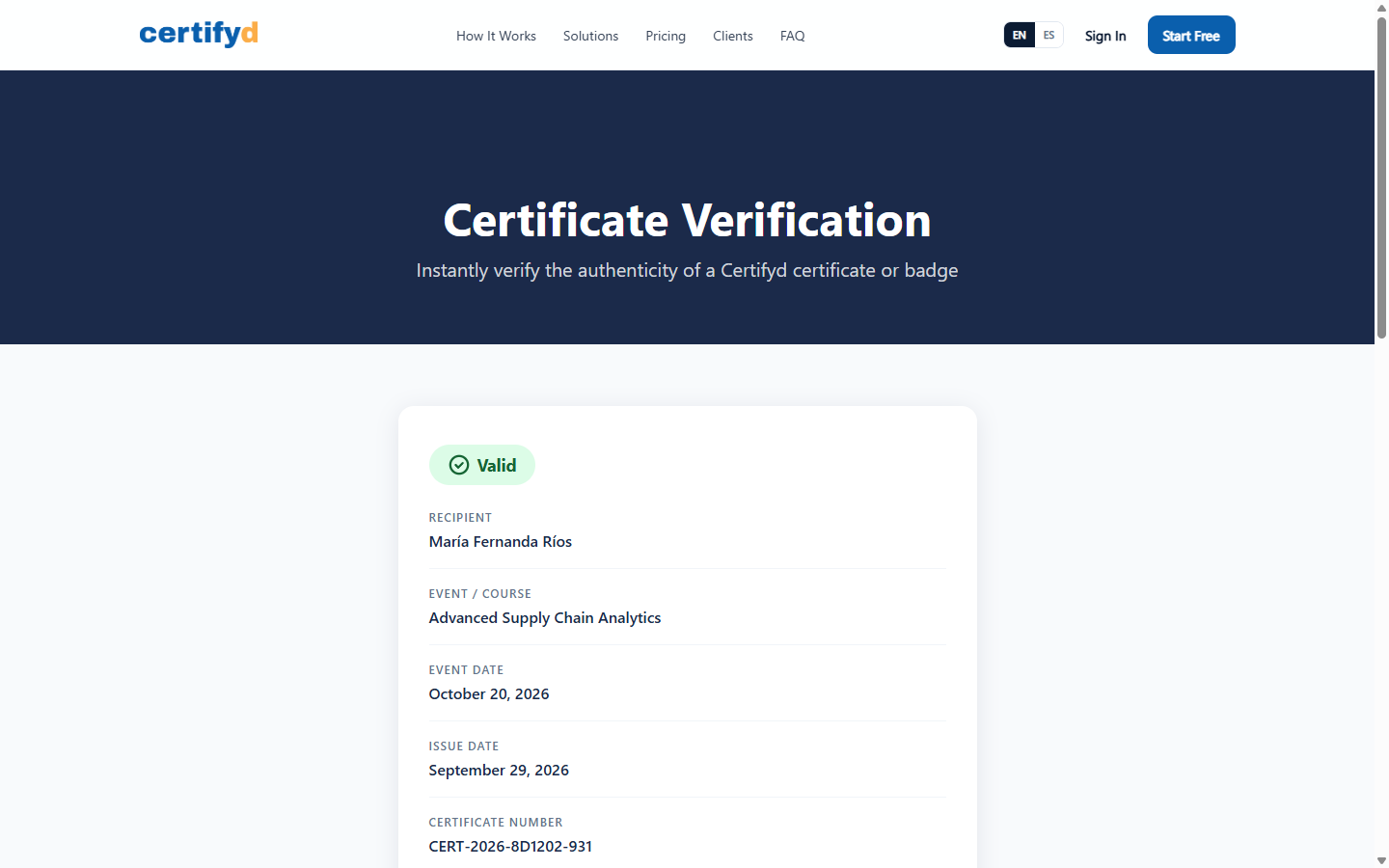
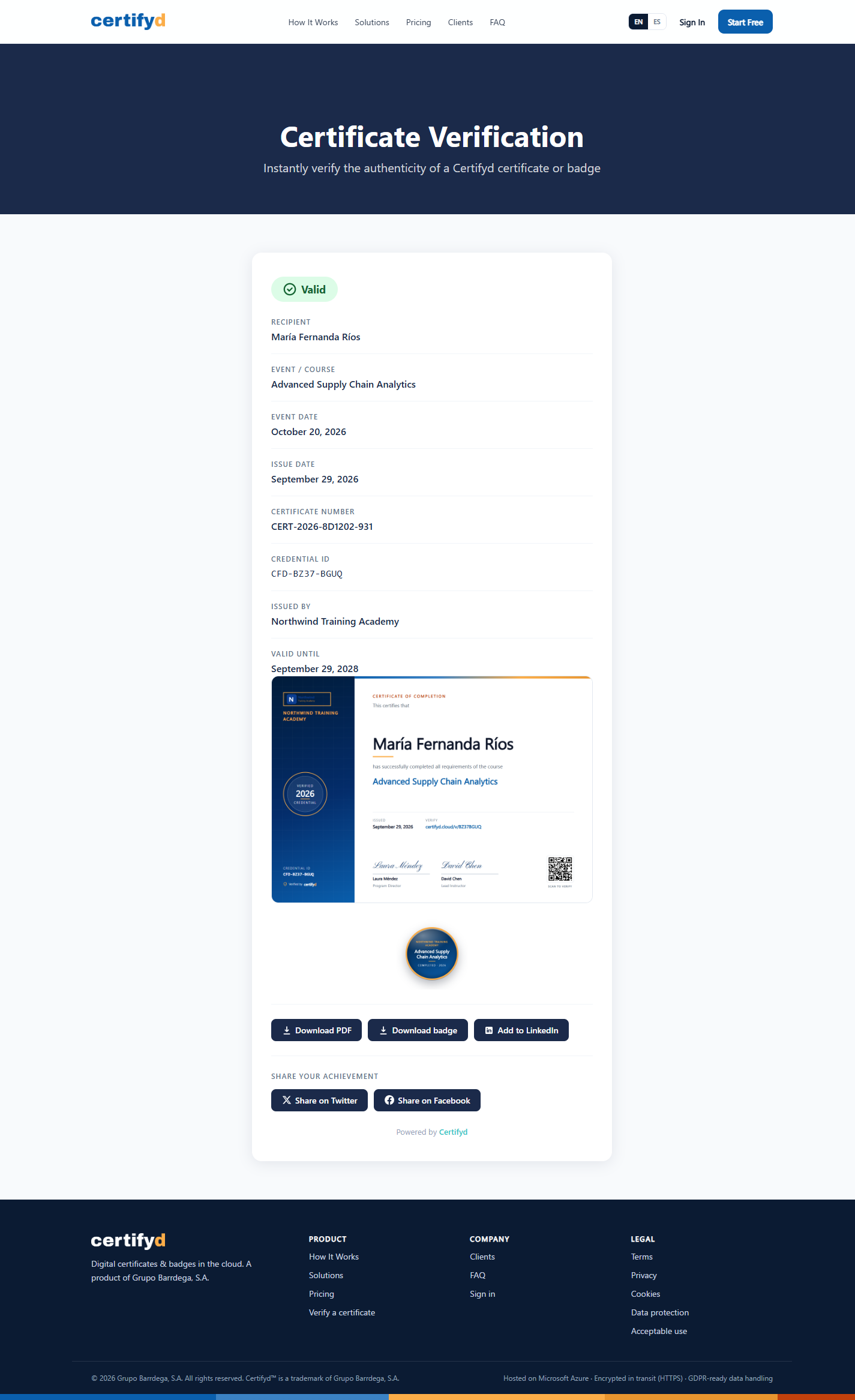
Every certificate has a public verification page. Anyone, such as an employer, a client or a regulator, can use it to confirm the certificate is genuine, without an account.
How people reach it
Scanning the QR code printed on the certificate.
Typing the short link printed on the certificate, for example certifyd.cloud/v/BZ37BGUQ.
Clicking the recipient's digital badge.
What it shows
The status: Valid, Expired or Revoked (with the revocation reason).
Recipient, event or course, event date and issue date.
Certificate number and credential ID (for example CFD-BZ37-BGUQ).
Who issued it and, where set, Valid until.
Buttons to download the PDF and badge, add it to LinkedIn and share it.
 P4 Software
/
certifyd