 P4 Software
/
logisticaHQ-en
P4 Software
/
logisticaHQ-en
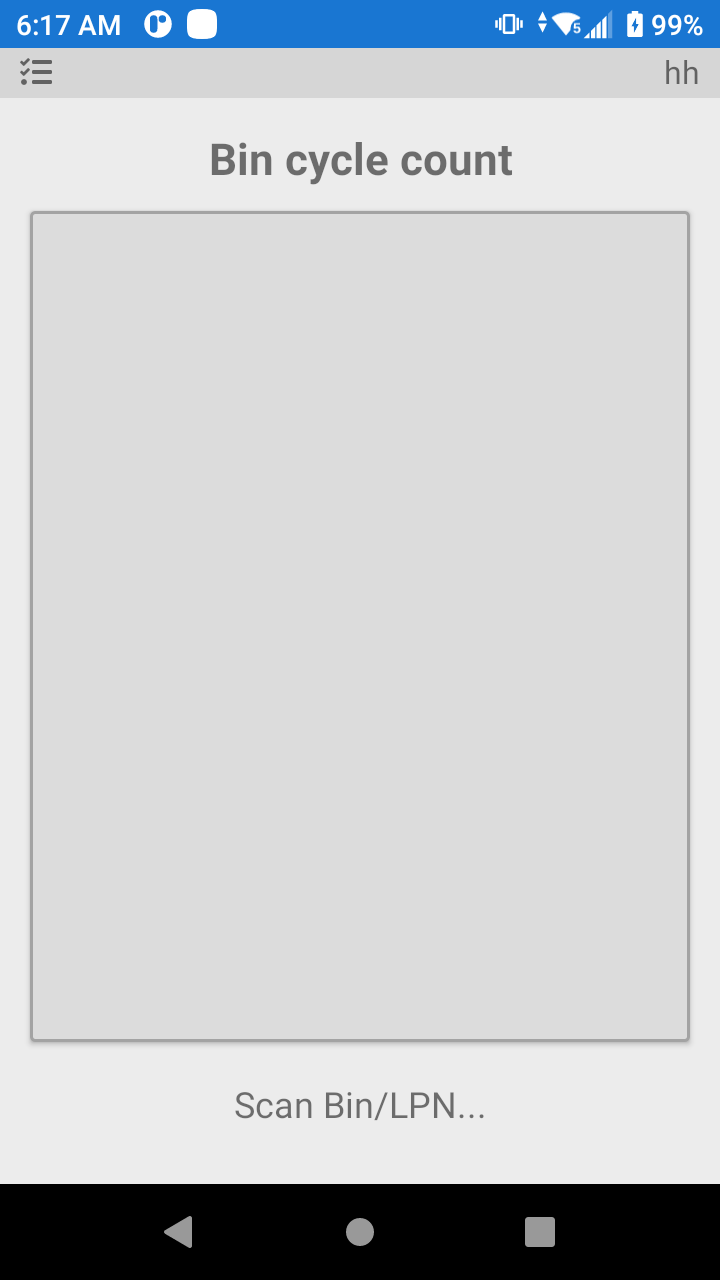
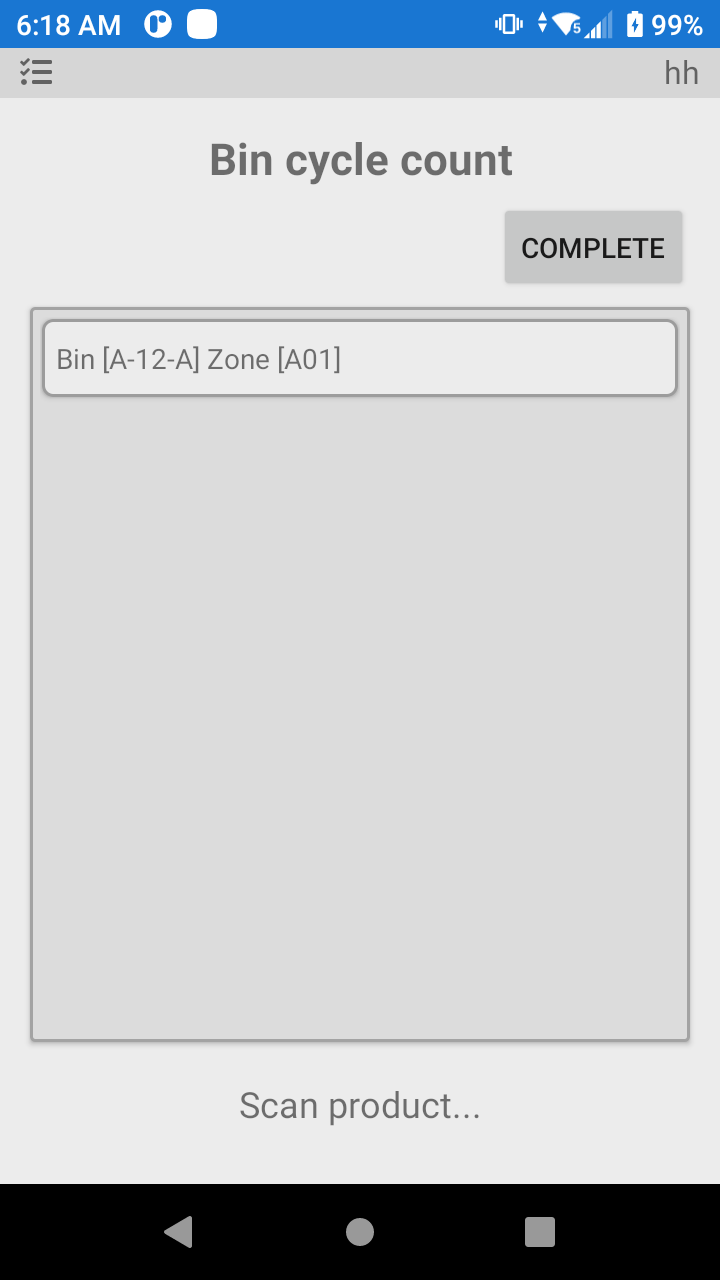
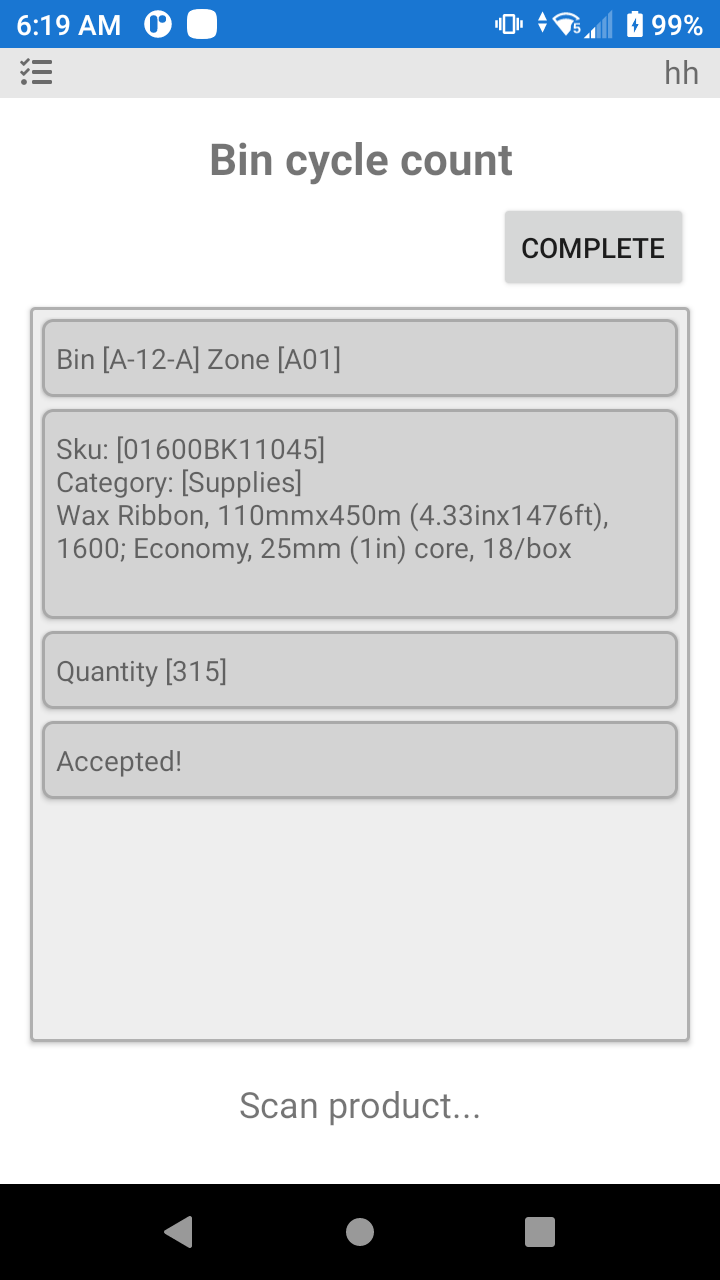
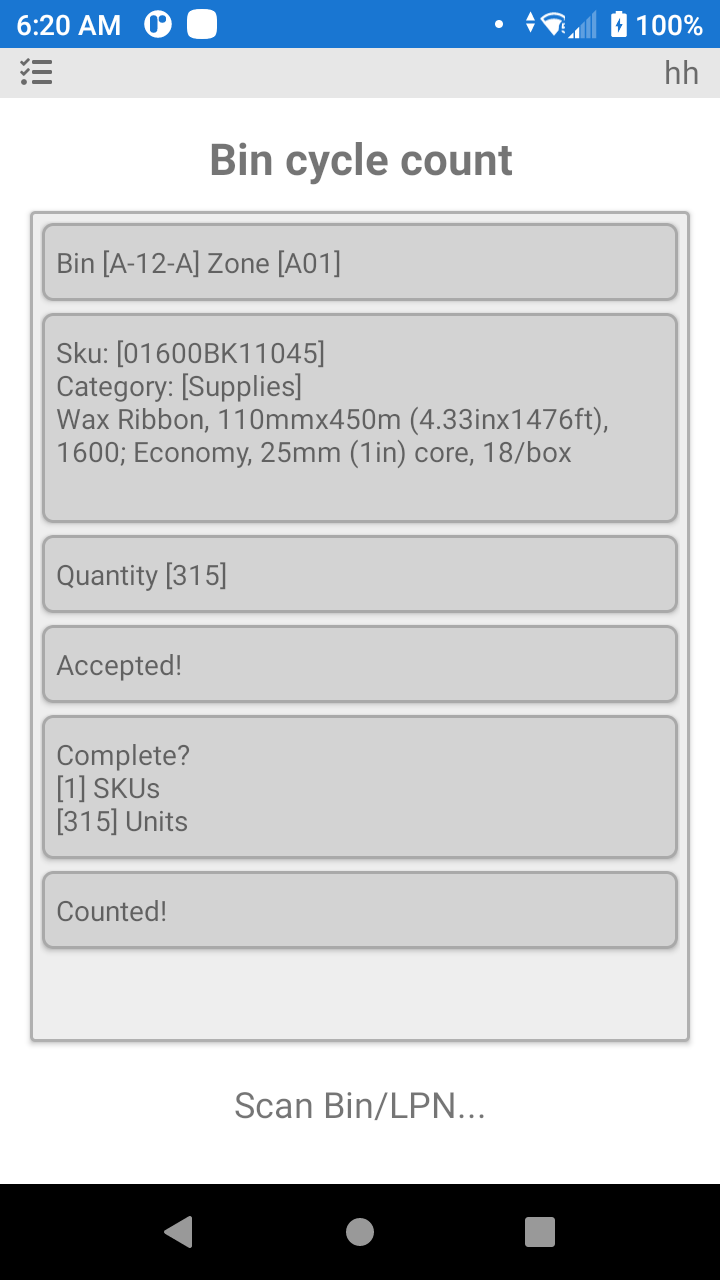
The Cycle Count option is for the process of counting the Inventory physically within the Warehouse (Bins). Typical reasons for cycle counting are to obtain an accurate Inventory count within a bin or the entire Warehouse. Over time the actual Inventory within the Warehouse might not equal what is accounted in the logisticaHQ software System (due to breakages, theft, etc.). Hence, a Cycle Count accurately accounts for the physical Inventory. The Cycle Count features an option field for Bin at the top and a Log section below.
A product controlled only by manufacture date. A product that tracks a manufacture date but not a lot, serial or expiry date is compared with the quantity the bin holds for it. A count equal to the stock changes nothing: it no longer adds the stock a second time. When the count waits for approval, approving it brings the stock to what was counted.
Was this page helpful?