 P4 Software
/
logisticaHQ-en
P4 Software
/
logisticaHQ-en
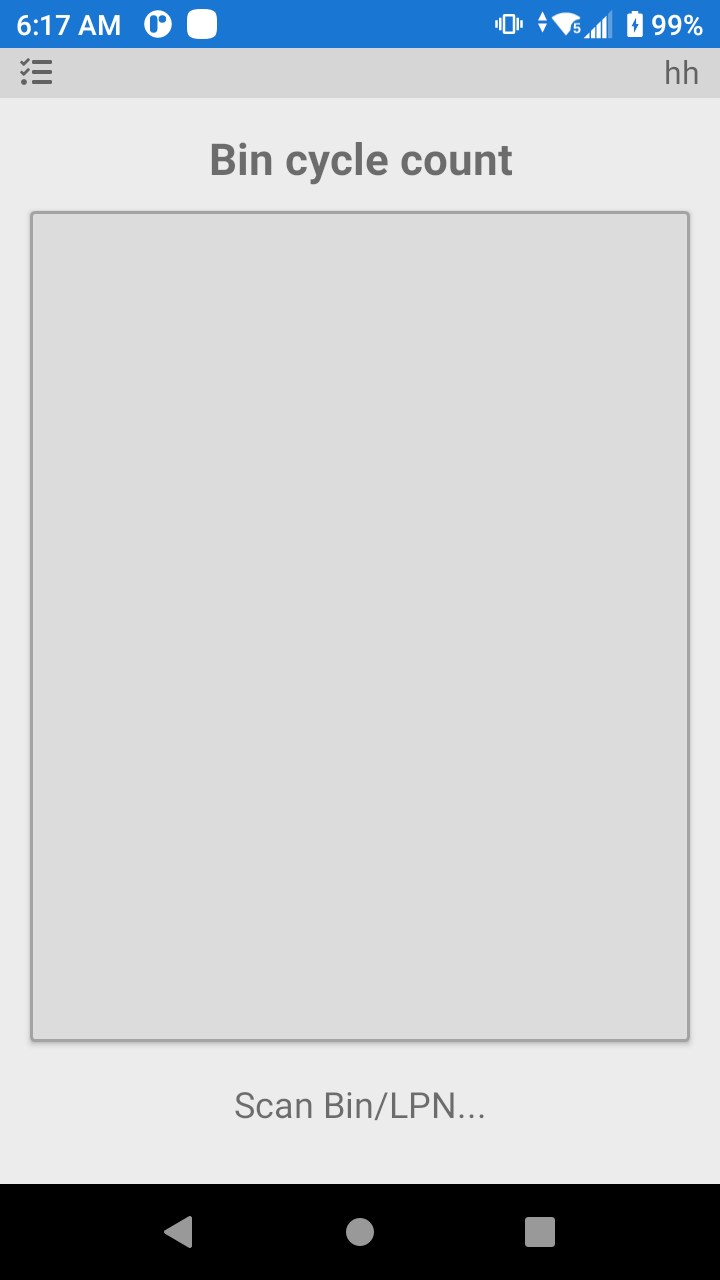
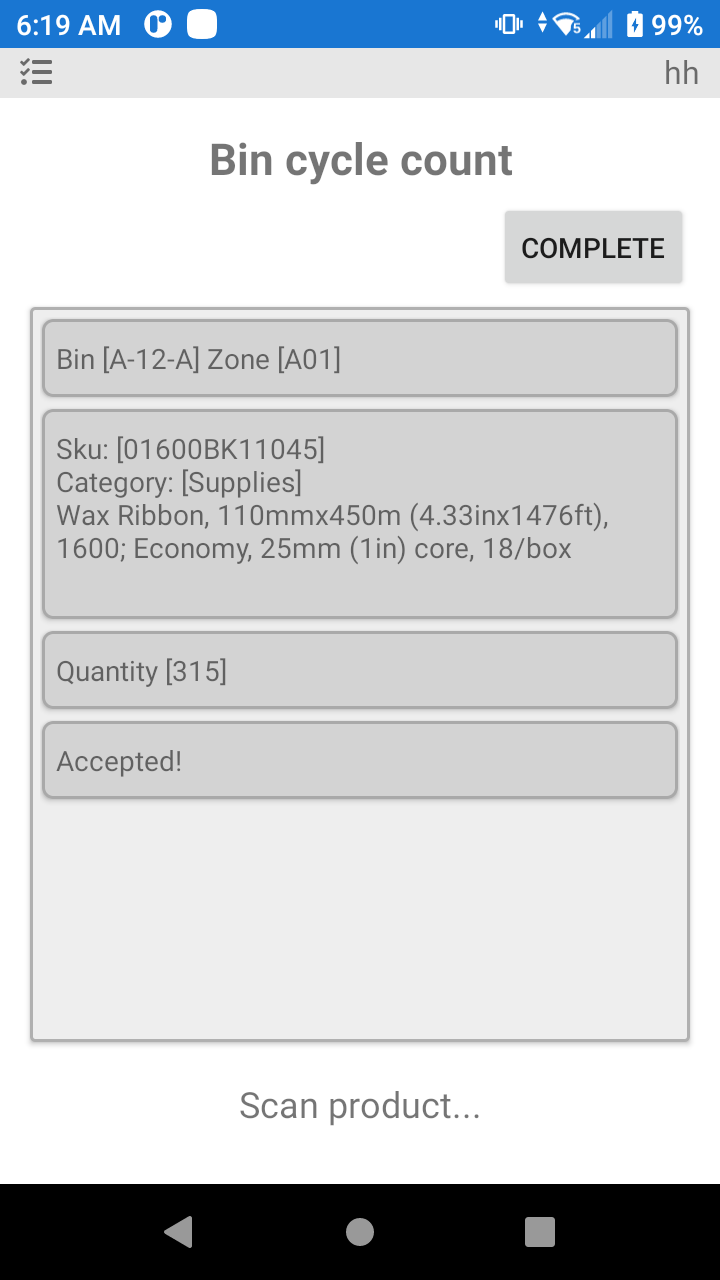
Cycle Count by Bin will allow you to scan the bin you want to Cycle Count. By following the instructions on the bottom of the screen, the System will walk you through the process. When you have counted ALL of the Products in the bin click the complete button.
Remember when counting a bin location, you must count everything in the bin, or the uncounted items will be removed from the System.
Be sure to click complete when you finish a bin. If you do not all of your counts will get moved to the first bin you scanned at the beginning of the process.
A bin that also holds a pallet. You can count the loose stock of a bin even when a pallet stands in it. Counting more than the system held, or a product the bin did not hold loose before, is accepted: a count records what is on the shelf. One case is refused: the product you counted as loose stock is also on a pallet in that bin (the same lot or serial, when the line has one), because the pallet's units would be added a second time. The message names the pallet: "Product [SKU] is also on pallet [code] in this bin. Count the pallet by scanning its LPN, and count only the loose units here." Count the pallet by its own code, then count only the loose units in the bin.
Was this page helpful?