We use analytics cookies to understand how readers use this documentation. No personal data is stored. Learn more
Ask Claude questions about these docs. Claude reads the published pages and links you back to them. Copy this address:
https://p4-software.opendocs.page/mcp
In claude.ai or Claude Desktop: open Settings, then Connectors, choose Add custom connector and paste the address.
In Claude Code, run:
claude mcp add --transport http docs https://p4-software.opendocs.page/mcp
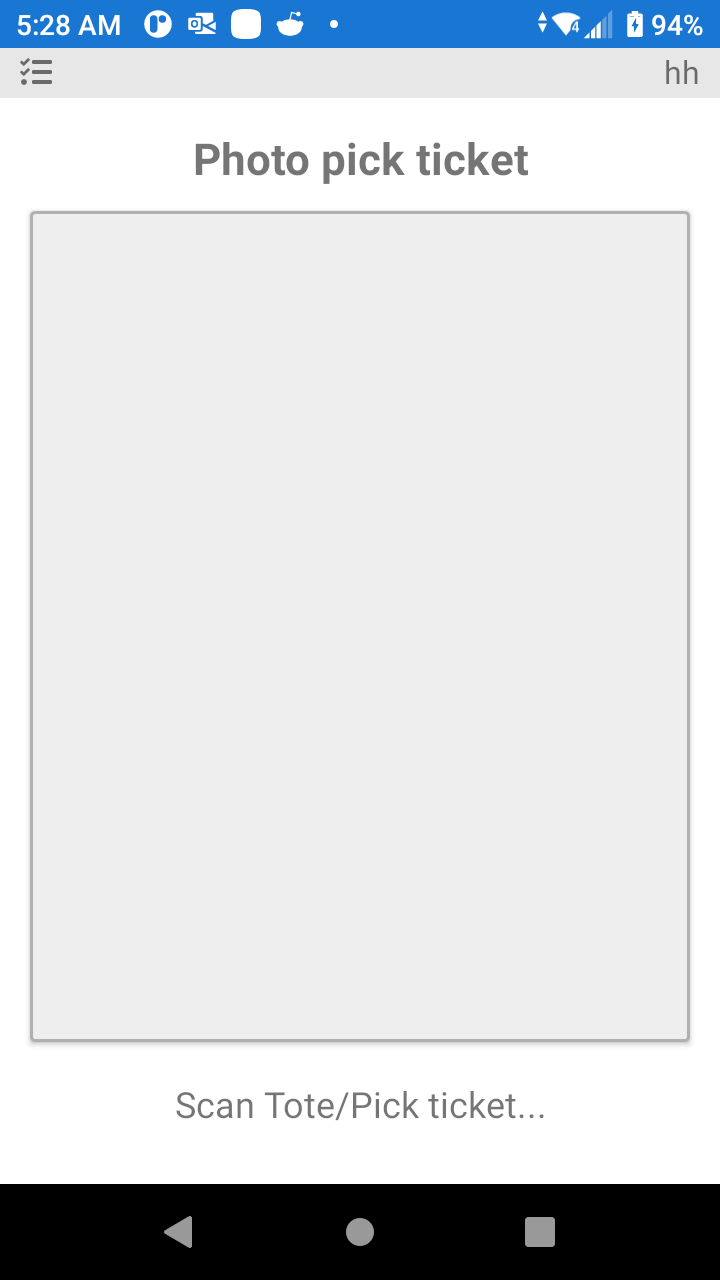
In Ship Photo you can scan the pallet / box label then take a Photo of the pallet or the box. This Photo will appear on the packslip. (Depending on the Configuration of your System.)
Was this page helpful?
Thanks for your feedback!
0 readers found this helpful
 P4 Software
/
logisticaHQ-en