 P4 Software
/
logisticaHQ-en
P4 Software
/
logisticaHQ-en
Pick Ticket Picking is designed for normal Warehouse Picking. PDT Pick Ticket Picking and Wave Picking are similar except Wave Picking (batch Picking) allows you to pick various orders at once.
After an order is Allocated and Waved there will be at least one pick label (Tote Label) generated and printed, the printed label will print to the user's assigned printer, or to a zone printer.
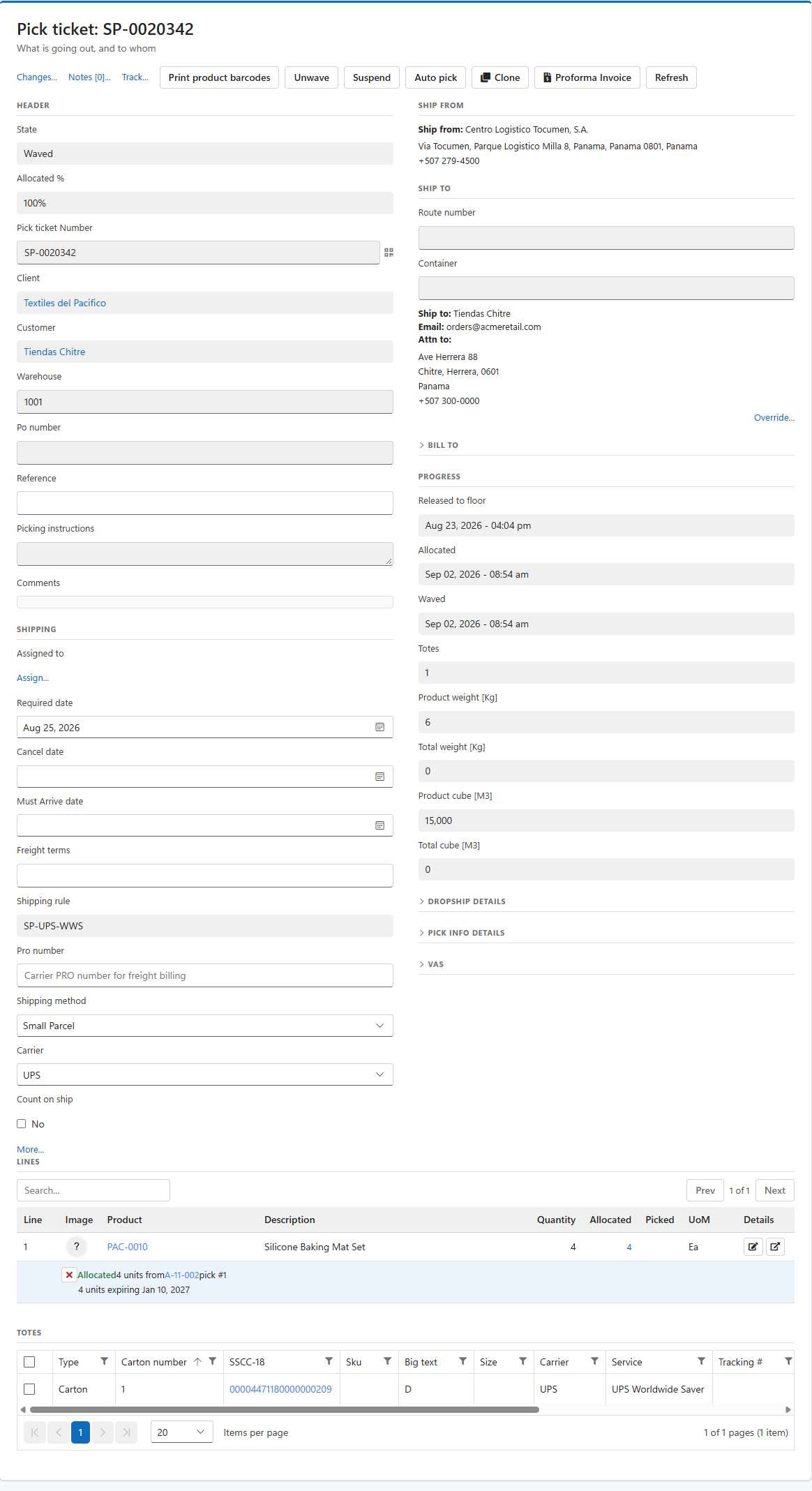
Now the PDT user can enter the Pick Ticket Picking menu under the Fulfillment menu. Once on the Pick Ticket Picking screen scan the Pick Label (Tote Label) to start the Picking process.
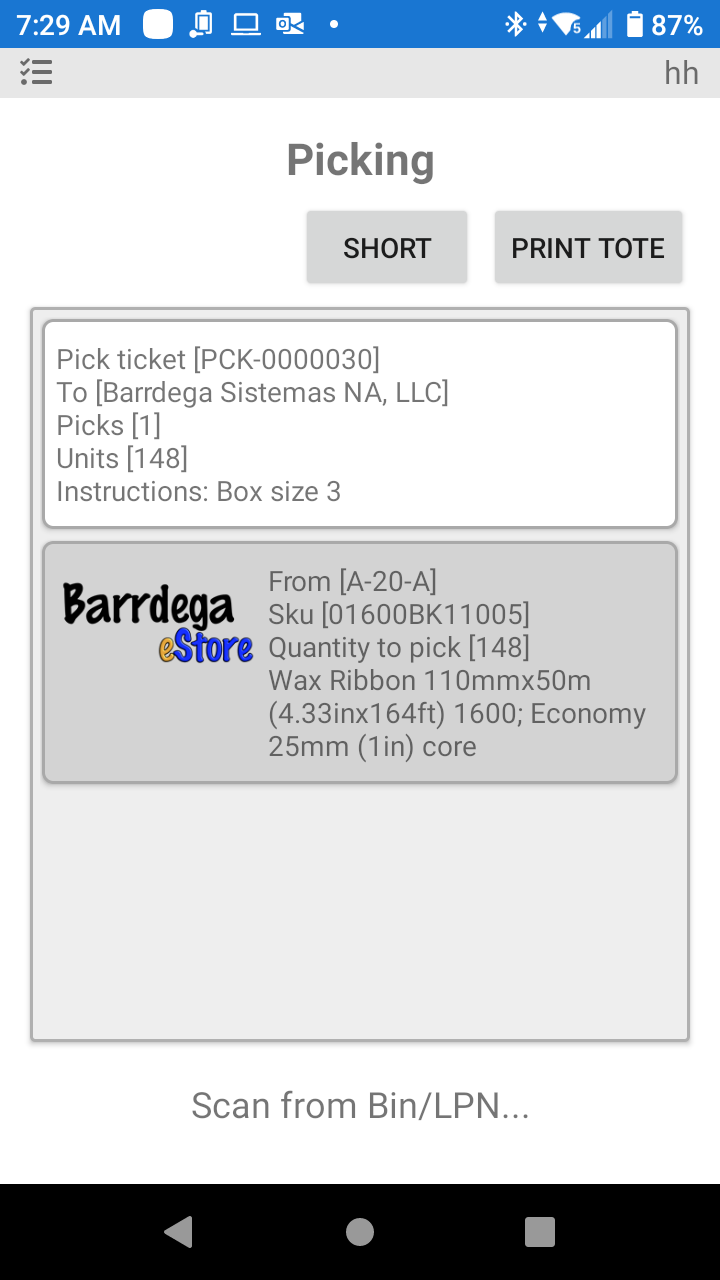
After scanning the label, the user will be presented with the required data to begin the Picking process for the order.
On the Android device (PDT) the instructions are always at the bottom of the screen, action buttons are at the top of the screen.
In the screen above the user needs to take a pallet and good to Bin A-20-a to pick a 148 units of SKU 01600BK11005.
When the scanned label cannot be opened, the message says why:
| Message | What it means | What to do |
|---|---|---|
| More than one pick ticket has the number [x]. Ask the office to correct it. | Two pick tickets carry the same number. | Ask the office to correct the duplicate number. |
| Pick ticket [x] is closed. | The order is closed. | Use another order. |
| Pick ticket [x] has no tote. Scan wave [y] instead. | The order is picked as part of a wave. | Scan the wave. |
| Pick ticket [x] is in state [y] and is not part of a wave. | The order is not on a wave, and its state does not allow picking it this way. | Ask the office about the order. |
| Tote [x] belongs to a closed order. | The tote belongs to an order that is already closed. | Use another order. |
| Cannot find [x] | Nothing matches the number. A user who belongs to a client opens only their own client's pick tickets, so a number that exists only under another client reads the same way. | Check the number. |
Was this page helpful?